Best AI workspace in 2026: what to look for
There is no single best AI workspace, only the one that fits how you work. A plain checklist for choosing, the questions to ask any product, and how Atlas answers them.
There is no single best AI workspace in 2026. The best one is the one that fits how you work. A freelancer who lives in a calendar and an inbox needs something different from a team that lives in shared pages. This guide gives you a checklist you can use on any product, then shows how Atlas answers each point, including where it may not be the right fit.
What should you look for in an AI workspace?
Start with the work, not the AI. Think of the last job you finished and every place it touched. Then check that a product covers those places and keeps you in charge. Eight things matter most.
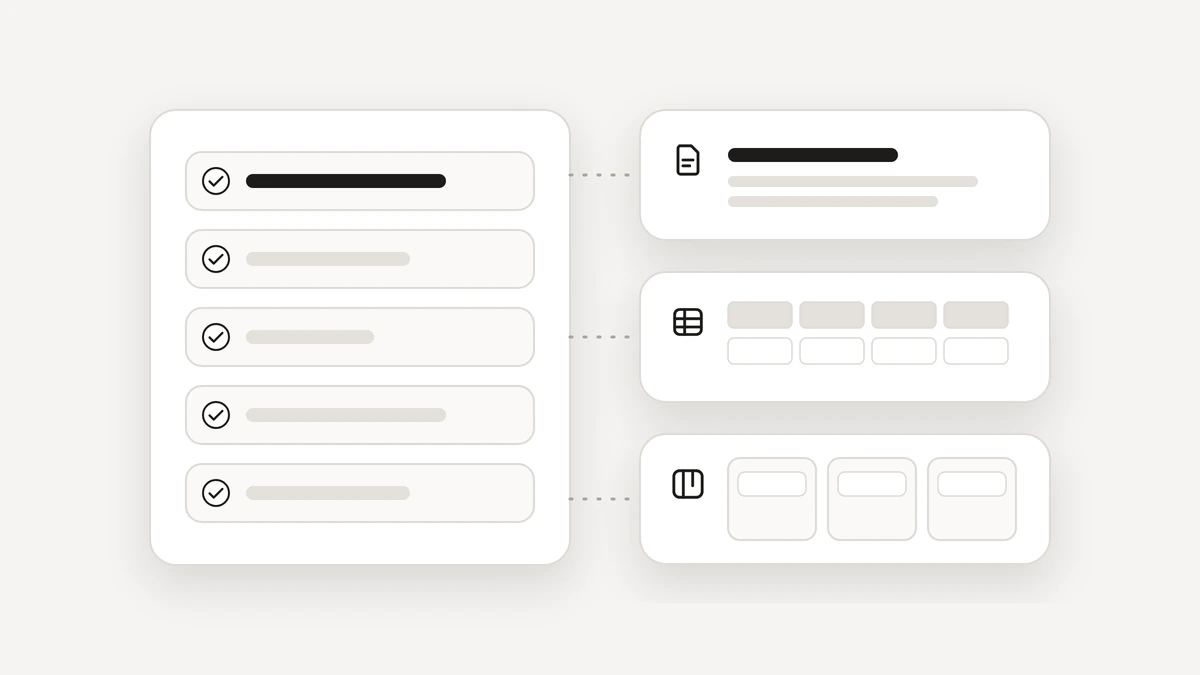
- Places to work. Documents, spreadsheets, boards and tasks, so the AI has somewhere real to put its results.
- Your calendar and mail. Connections you choose, and can switch off.
- Agents on a schedule. A job you describe once that repeats, and keeps running when you close the page.
- Approvals before anything leaves. Anything that reaches other people waits for your yes.
- Receipts and Undo. A list of what the AI did, and a way back for what can be undone.
- Privacy before the AI. Private details hidden before your text goes to a model.
- Export and delete. A way to take everything out, or remove everything.
- Mistakes. What happens when the AI gets it wrong, or when you do not answer.
Which questions should you ask any AI workspace?
These questions work on every product, including ours. Ask them before you move real work in.
- Where does the result of a job end up: in a chat, or in my own files, calendar and inbox?
- Which accounts does it connect to, and can I choose what it sees?
- What does it do on its own, and what does it ask about? Can I see that list?
- Is that rule enforced by the product, or only written into a prompt?
- When I say yes, what exactly did I agree to, and is there a record?
- Which private details reach the AI model, and what can slip through?
- Is my data used to train a model, and can I export or delete all of it?
The fourth question is the one people skip. A rule written in a prompt is a request to the AI, and a cleverly worded message can talk a model out of a request. A rule checked by the product before the action runs is a different thing. The NIST AI Risk Management Framework is a good neutral place to see how organisations think about trustworthy AI.
What are the red flags in an AI workspace?
- It can send, pay or delete with no step where you say yes.
- Its limits exist only as instructions to the AI.
- There is no list of what it did, and nothing to undo.
- A standing permission has no limit on who it may reach or how many a day.
- The answers on where your data goes, and whether it trains a model, are vague.
- You cannot export or delete your data.
- It claims to be the best, or to do everything, and lists no limits.
How does Atlas answer those questions?
Here is each point, in the same order, with the limits left in.
- Places to work. Docs, Notebook, Sheets, Boards, Tasks and Calendar. Agents can draft in Docs, add rows in Sheets and post updates on Board cards, and you see what changed.
- Calendar and mail. Google Calendar, Gmail and Drive, and nothing else. You choose what to connect and can disconnect in Settings. If you use another provider, Atlas is not the right fit.
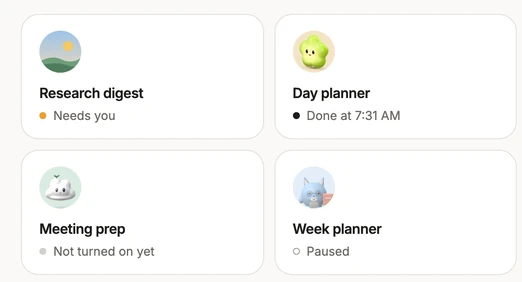
- Agents. A job you describe in plain words, run every morning at 8, every evening at 9, every Friday or when something arrives. Agents run on a server, so they keep their schedule when you close the page. See how agents work.
- Approvals. Every action has one of four levels, checked by the server before it runs. Email to anyone else asks first, unless you gave a standing yes for that job. A yes is signed by the server, and the tool that would act refuses without it. A card you ignore closes after 10 minutes with nothing sent. The four levels are on the Trust page.
- Receipts and Undo. Activity lists everything Atlas did and everything you approved, with Undo beside what can be undone. Deleted items stay in Trash for 30 days. A sent email cannot be unsent, which is why sending asks first.
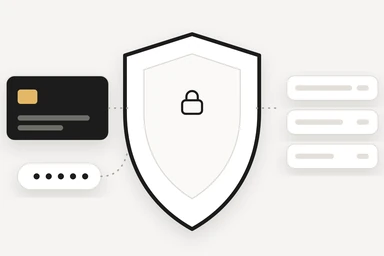
- Privacy. Atlas Shield swaps cards, bank numbers, passwords and keys for stand-ins before anything reaches an AI model. It hides the shapes it recognises, so an unusual format can slip through, and it cannot look inside pictures.
- Your data. No ads, no trackers, no analytics in the app. Atlas does not sell or share your data, and nothing you do is used to train an AI model. You can export or delete everything from Settings.
How do you choose the right one for you?
Pick two products and give both the same real job, such as planning a busy week or sorting a week of mail. Watch where the result ends up, what each one asks you before it acts, and how easy it is to see what happened afterwards. Keep the one you would trust with the job on a day you are not watching.
If you only want quick answers, brainstorming and writing help, a chat assistant may be all you need. ChatGPT vs an AI workspace explains when to move beyond chat, and what an AI workspace is covers the basics. To see Atlas yourself, join the beta. It is in private beta.
Questions
What is the best AI workspace in 2026?
There is no one answer. The best AI workspace is the one that fits how you work: where you keep your files, which calendar and mail you use, and how much you want an AI to do without asking. Use a checklist, then test two products on the same real job.
Which features matter most in an AI workspace?
Places to work, a connection to your calendar and mail, agents that run on a schedule, approvals before anything reaches other people, receipts with Undo, privacy before the AI sees your text, and a way to export or delete your data.
Is an AI workspace better than a chat assistant?
It depends on the job. A chat assistant is simple and fast for answers, ideas and writing help. An AI workspace is built so the result lands in your own files, calendar or inbox. You can use both.
Which mail and calendar does Atlas work with?
Atlas connects to Google Calendar, Gmail and Drive. You choose what to connect and can disconnect any time in Settings. It does not connect to other mail or calendar providers.